Update
Published: 2026-06-10
Views: 60
Audio Mastering Suite — Trim, Fade & MP3 Export
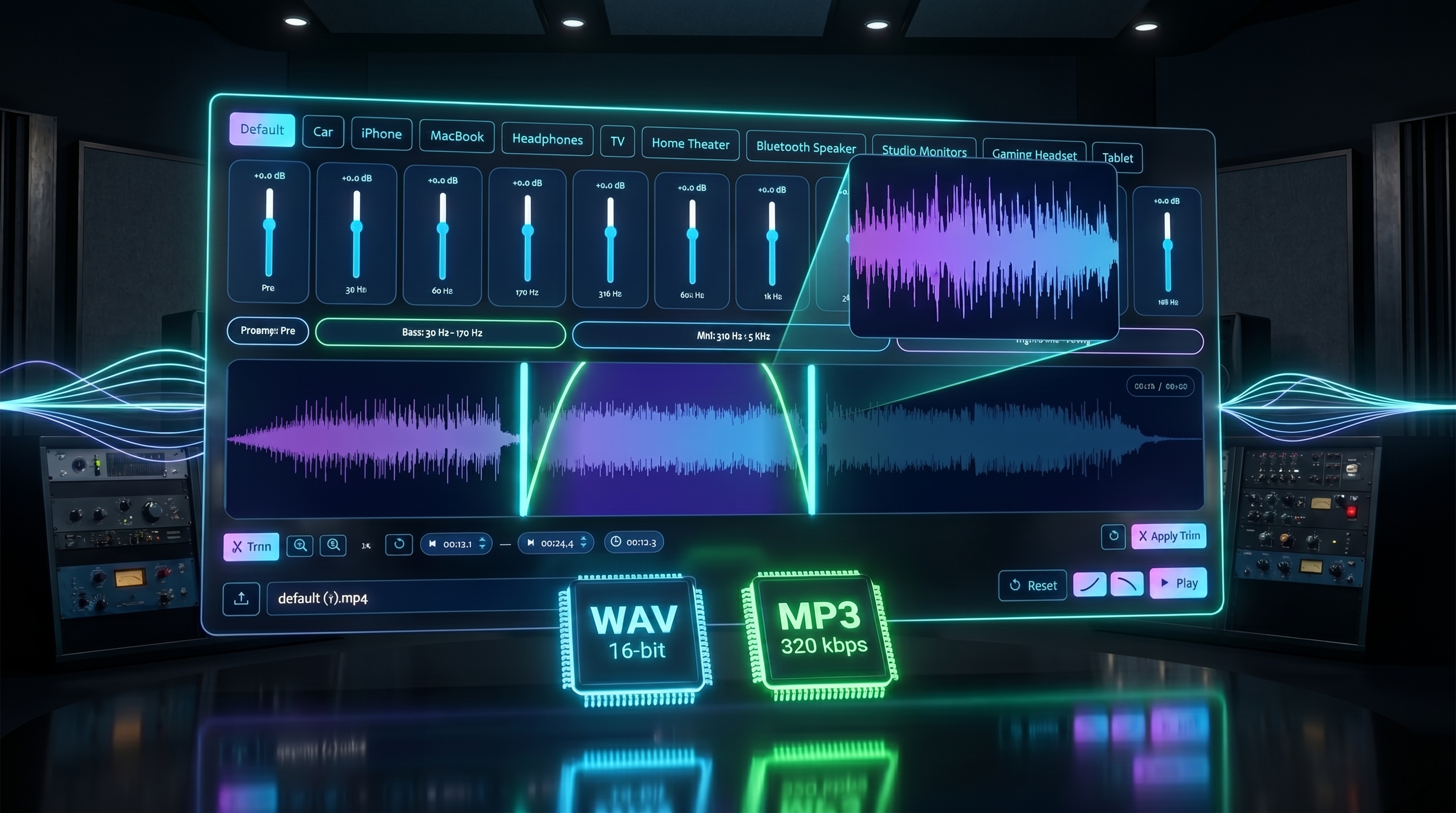
Precision audio editing arrives on VibeStage — trim your tracks to the exact second, add smooth fade-ins and fade-outs, zoom into the waveform for pixel-perfect cuts, and export as WAV or MP3 at 320 kbps.
The Audio Tools module just got a serious upgrade. Whether you're preparing a master for DistroKid, LANDR, or any distributor, these new features give you the control you need — right in your browser.
✂️ Trim Tool
Select exactly which part of your track to keep. Drag the cyan handles on the waveform to set your start and end points, or use the up/down arrows on the time badges for precise adjustments (0.1s per step, hold Shift for 1s jumps). Scroll wheel on the time displays works too.
🔍 Waveform Zoom
Need to cut a tiny intro silence or nail a precise beat? Zoom into the waveform up to 20x with the dedicated zoom controls. Use Ctrl + scroll wheel for quick zoom, and the scrollbar keeps you oriented. The playhead auto-scrolls to stay visible during playback.
🎵 Fade In & Fade Out
Add professional fade-ins and fade-outs from 0 to 10 seconds. Click the fade buttons next to Play to open the duration slider. The fade is visualized live on the waveform as a gradient overlay with a green curve, and you hear it instantly during playback — no need to export first. Fades respect your trim selection, so they apply only to the portion you've selected.
📦 MP3 Export (320 kbps)
A new format dropdown appears next to the Download button. Choose between lossless WAV (the default, required by most distributors) or MP3 at 320 kbps — the highest quality MP3 setting, accepted everywhere. MP3 encoding runs in a background thread, so the interface stays responsive while your file is being prepared.
🎯 Built for Distribution
Every feature is designed with music distribution in mind. WAV export at 16-bit / original sample rate meets the requirements of DistroKid, TuneCore, Amuse, LANDR, and all major platforms. The 320 kbps MP3 option is ideal for promotional copies and previews.
All of these features work together: zoom in, set a precise trim, add a fade-in, preview it with Play, then export as MP3 — all without leaving the page.